Rental Software for Small Business: What to Look For
Choosing rental software for your small business? Learn the 8 features to look for, from live availability to invoices, so you pick the right tool.
Rental369 Team
6 min read
You've outgrown the paper calendar and the spreadsheet. Bookings come in by phone, text and email, and keeping track of them all takes up more of your day than it should. But you don't want complicated, expensive software that takes months to learn.
The good news: the right rental software for small business doesn't need to be big or complicated. It just needs to do the basics really well.
This guide shows you the signs you're ready to switch, the 8 features worth looking for, the questions to ask before you choose, and the mistakes to avoid.
Signs your small business is ready for rental software
Not every business needs software on day one. But if two or more of these sound familiar, it's probably time:
- You've double-booked an item (or come very close).
- You can't answer "What's free on Saturday?" without checking three places.
- Bookings are spread across phone calls, texts, emails and sticky notes.
- You're not sure who has paid and who still owes you money.
- Servicing gets forgotten until something breaks on a job.
- One person knows where everything is, and things slow down when they're away.
- You're turning down growth because you're afraid of losing track.
If double bookings are your biggest worry, start with our guide: How to Avoid Double Bookings in Your Rental Business.
8 features to look for in rental software
You don't need every feature on the market. These 8 are the ones that save a small rental business the most time.
1. Inventory with live status and condition
You should be able to see every item you rent out in one list, with its status (available, out on rent, in for service) and its condition. If you can't tell what's in your yard right now, nothing else works well.
2. A booking calendar that catches clashes
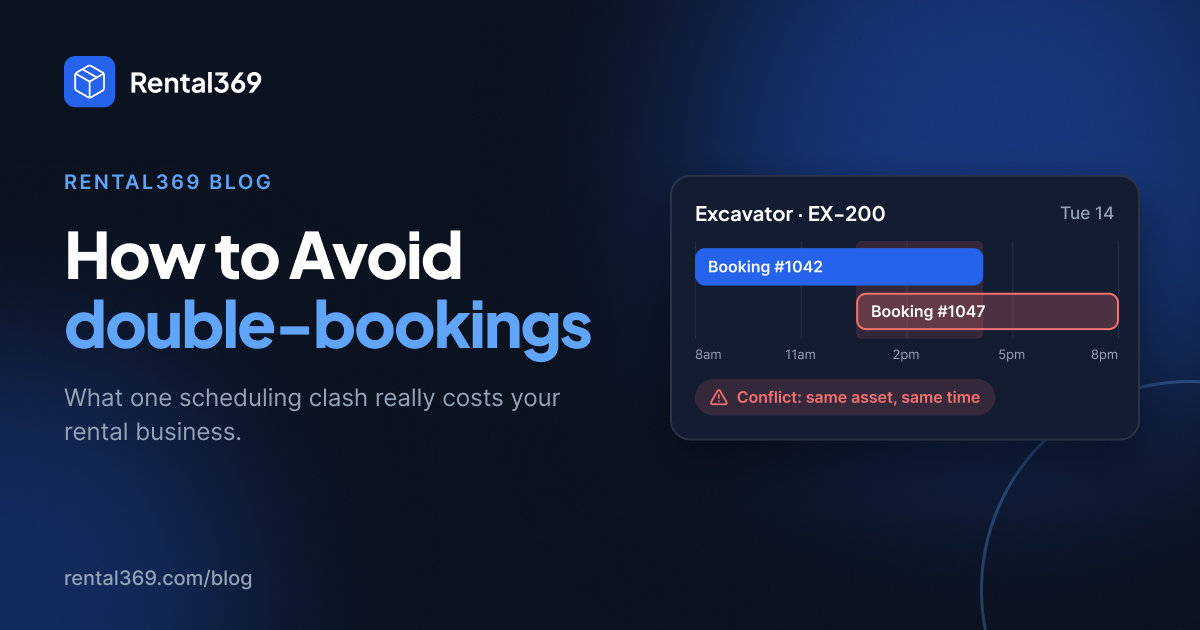
This is the big one. Look for live availability for every item, and a warning before you confirm a booking that clashes with another. A shared calendar alone isn't enough if it doesn't know which item is already booked.
3. Customer records and rental history
Keep each customer's contact details and past rentals in one place. When a regular calls, you should know what they rented last time, without digging through old texts.
4. Contracts in a few clicks
Writing rental agreements by hand takes time and leads to mistakes. Good software lets you create an agreement from the booking details in a few clicks and keeps it on file.
5. Invoices and payment tracking
You should be able to create an invoice for each rental and see what's paid and what's still due. If you need a separate spreadsheet to chase payments, the software isn't doing its job.
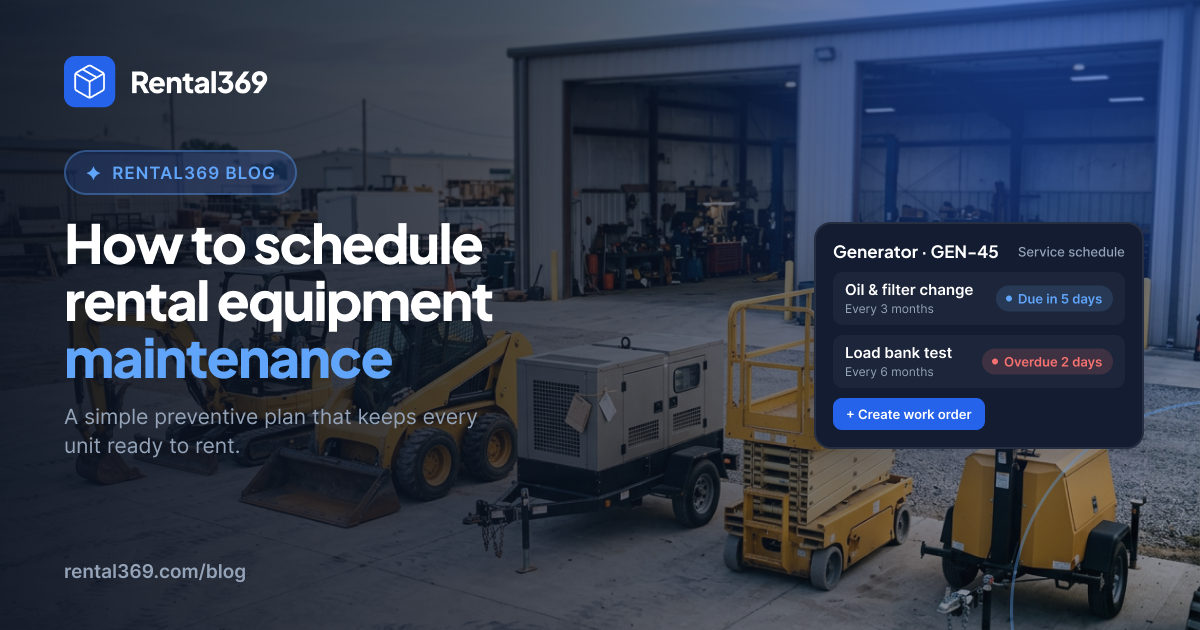
6. Maintenance scheduling
Every item needs servicing. Look for service dates on each item, so maintenance happens on time and a faulty item doesn't go out to a customer.
7. Team logins with roles and permissions
As you grow, more people will take bookings. Each person should have their own login, and you should be able to control what they can see and change.
8. Easy to set up and use, without IT help
A small business doesn't have an IT team. You should be able to add your items and take your first booking on the same day, and your team should pick it up without long training.
Questions to ask before you choose
Before you sign up for any rental software, get clear answers to these:
- How is it priced? Is it a flat monthly fee, or does the price go up per user, per item or per booking?
- Am I locked into a long contract? Can you pay monthly and cancel when you want?
- Is there a free plan, free trial or demo? You should be able to try it with your own items before you pay.
- What support do I get? Who do you contact when something goes wrong, and how quickly do they reply?
- Can I get my data out? If you ever leave, you should be able to export your customers, items and bookings.
- Is it built for rentals? General booking or accounting tools often miss rental basics like item availability, returns and condition checks.
Mistakes small businesses make when choosing software
- Paying for features you won't use. A big "enterprise" plan looks impressive, but you'll pay for tools you never open. Start with what you need today.
- Picking a tool built for another industry. Hotel, salon or general booking apps don't understand items going out and coming back. Choose software made for rentals.
- Not involving your team. The people taking bookings every day should try it too. If they won't use it, it won't work.
- Trying to move everything at once. Start with your items and upcoming bookings. Add the rest over the next few weeks.
- Choosing on price alone. The cheapest tool can cost more if it still lets double bookings and missed payments happen.
How Rental369 fits small rental businesses
Rental369 is rental management software built for rental businesses of every size, including small teams just moving off spreadsheets. It covers all 8 features above in one connected workspace:
- Inventory, bookings, customers, contracts, invoices and maintenance in one place
- Live availability, with clashes caught before you confirm a booking
- A calendar that shows follow-ups, contract dates, quotation expiry and maintenance in one view
- An AI rental assistant: ask "Which tents are free next weekend?" in plain English and get an answer in seconds. It can even offer to draft a quote.
- Team access with roles and permissions [check: is this on every plan?]
- Optional marketplace listing: get found by more renters, with 0% commission
It works for party and event rentals, equipment and construction rentals, vehicles, RVs and boats, and many more. See all the industries in Rental Management Software for Every Rental Business
Frequently asked questions
What is the best rental software for a small business?
The best one covers the basics well: inventory, a booking calendar that catches clashes, customers, contracts, invoices and maintenance. It should also be easy to set up without IT help and priced at a flat monthly fee.
How much does rental software cost?
Prices vary a lot between tools, so check whether you pay per user, per item or a flat fee. Rental369 has a free plan, and Pro is $20 a month or $200 a year.
Is a spreadsheet enough for a small rental business?
A spreadsheet can work when you have a handful of items and one person taking bookings. Once you have more items, more staff or bookings coming in from several places, it becomes easy to miss a clash or a payment.
How long does it take to set up rental software?
With simple software, you can add your items and take your first booking on the same day. Moving all your old records over can take a little longer, so start with upcoming bookings first.
Can my team use the same account?
Yes. Look for software that gives each person their own login, with roles and permissions. Rental369 includes team access.
Rental software for the business you run
You don't need big, complicated software to run a small rental business well. You need one place for your items, bookings, customers and payments, and you need it to be easy.
Rental369 gives you exactly that, in one connected workspace. Start free and take your first booking today.